In this article: You’ll learn how to use the MOD Cargo Net to securely hold items while riding.
This Article Applies to the Following Bikes
Difficulty
★☆☆ Easy
Estimated Time
0 - 5 Min
Before You Start
Preparation
- Ensure your bike is off and standing securely on its kickstand.
Steps to Use the MOD Cargo Net
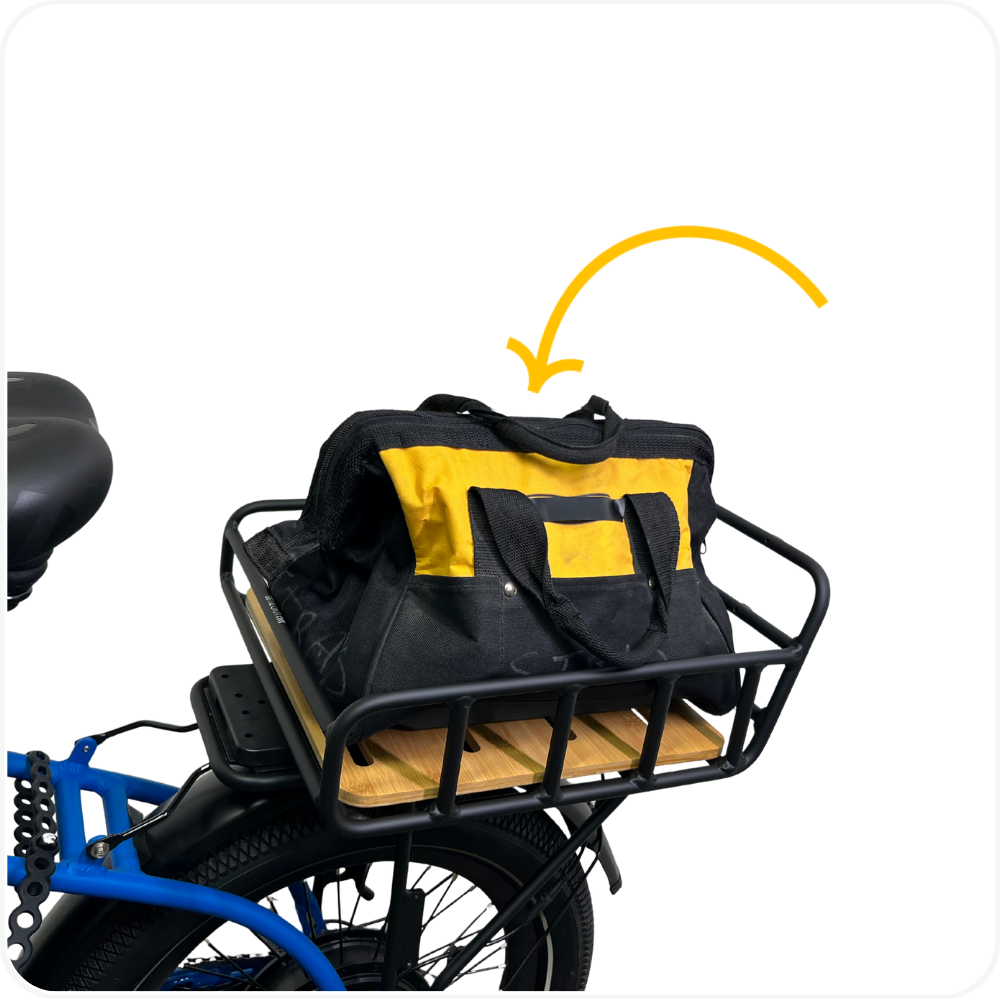
Step 1: Place Items on the Rack or Basket
Set your items inside the rear basket, front rack, or on another compatible rack surface.
Make sure items are positioned evenly and do not exceed the rack’s weight limit.
Step 2: Stretch the Cargo Net Over Your Items
Place the Cargo Net over the top of the items.
Stretch the net evenly so it covers the load without pulling excessively to one side.
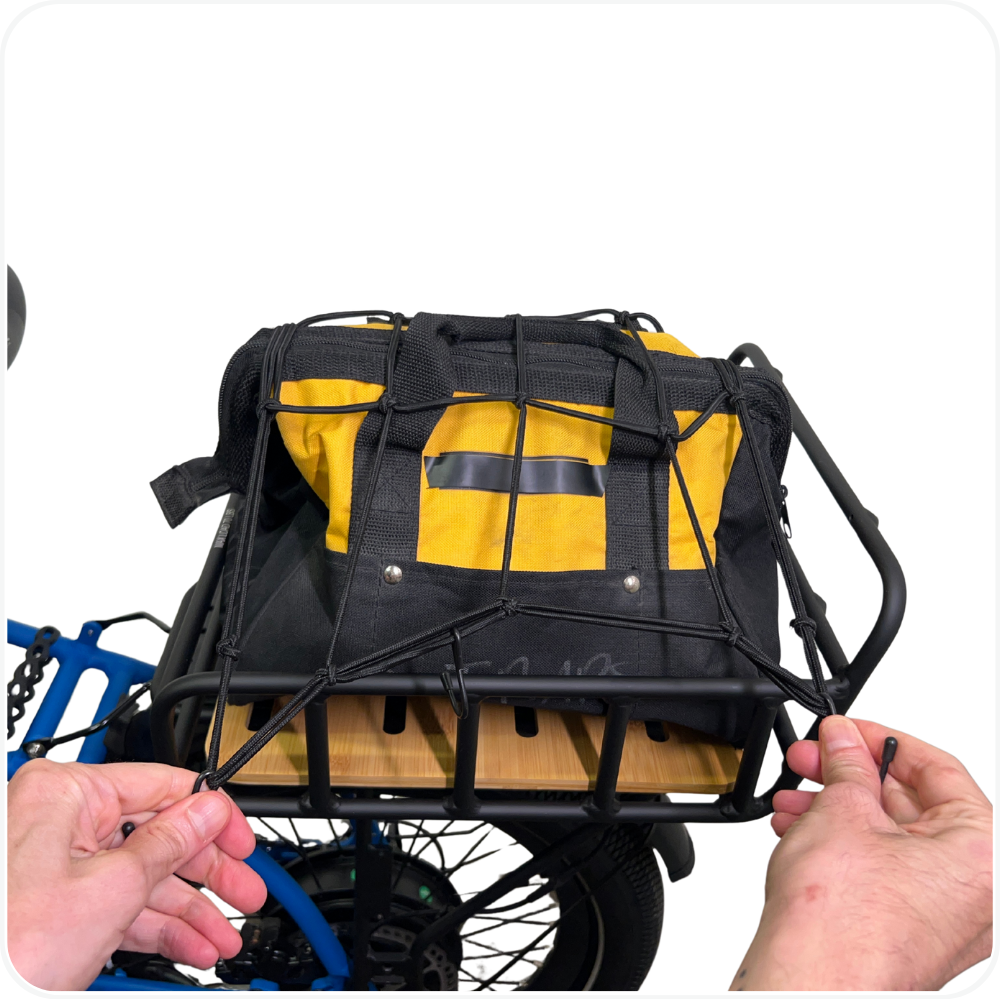
Step 3: Hook the Cargo Net in Place
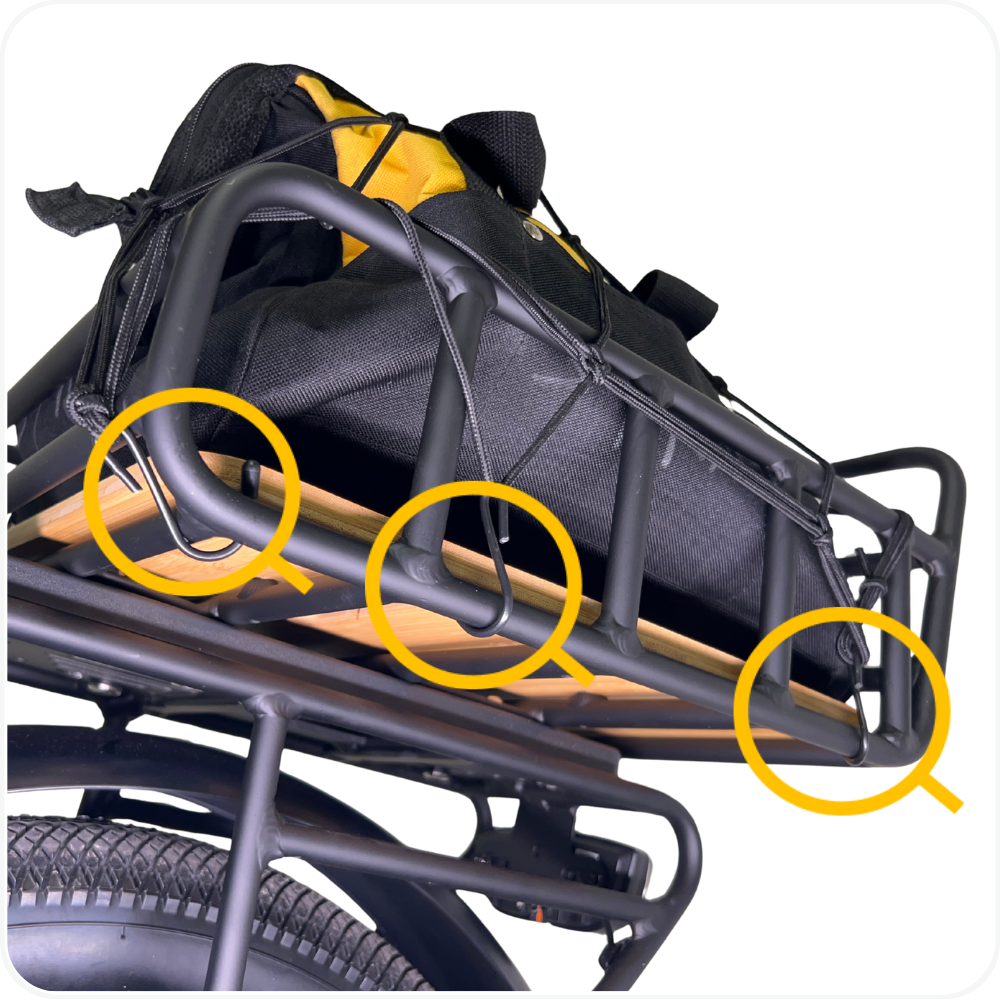
Attach the hooks on the Cargo Net to solid points on the rack or basket frame.
Make sure all hooks are fully secured and not resting on sharp edges.
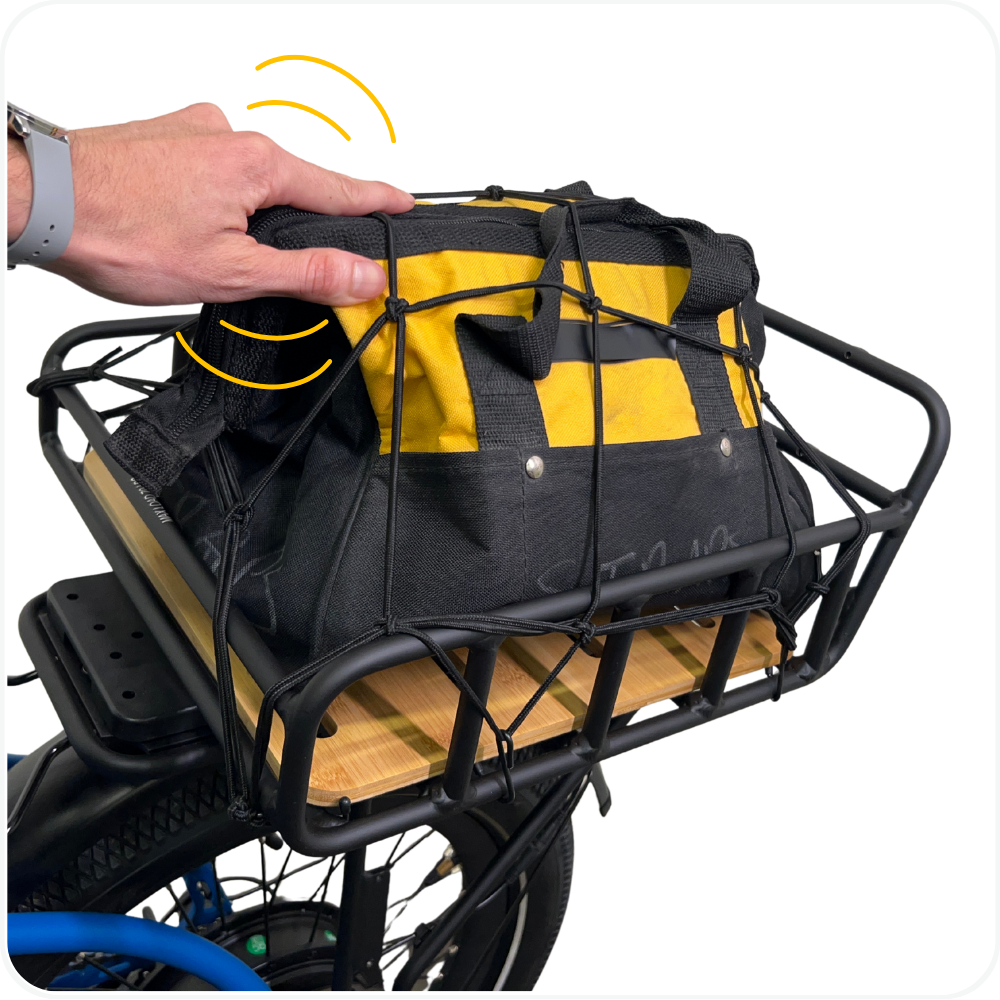
Step 4: Check Load Security
Gently tug on the net to confirm items are held firmly in place.
Nothing should be loose or able to shift while riding.
Common Use Cases
The MOD Cargo Net can be used to secure groceries, backpacks, packages, sports gear, and other everyday items.
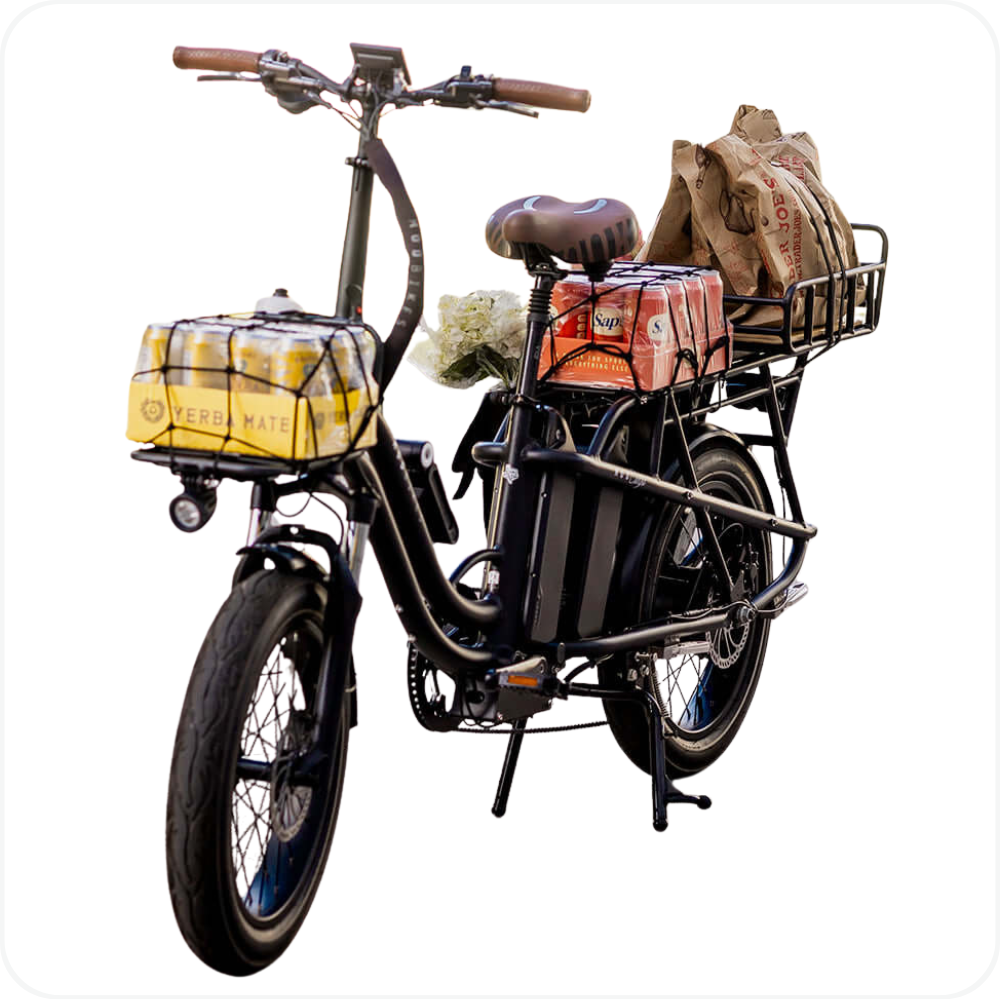
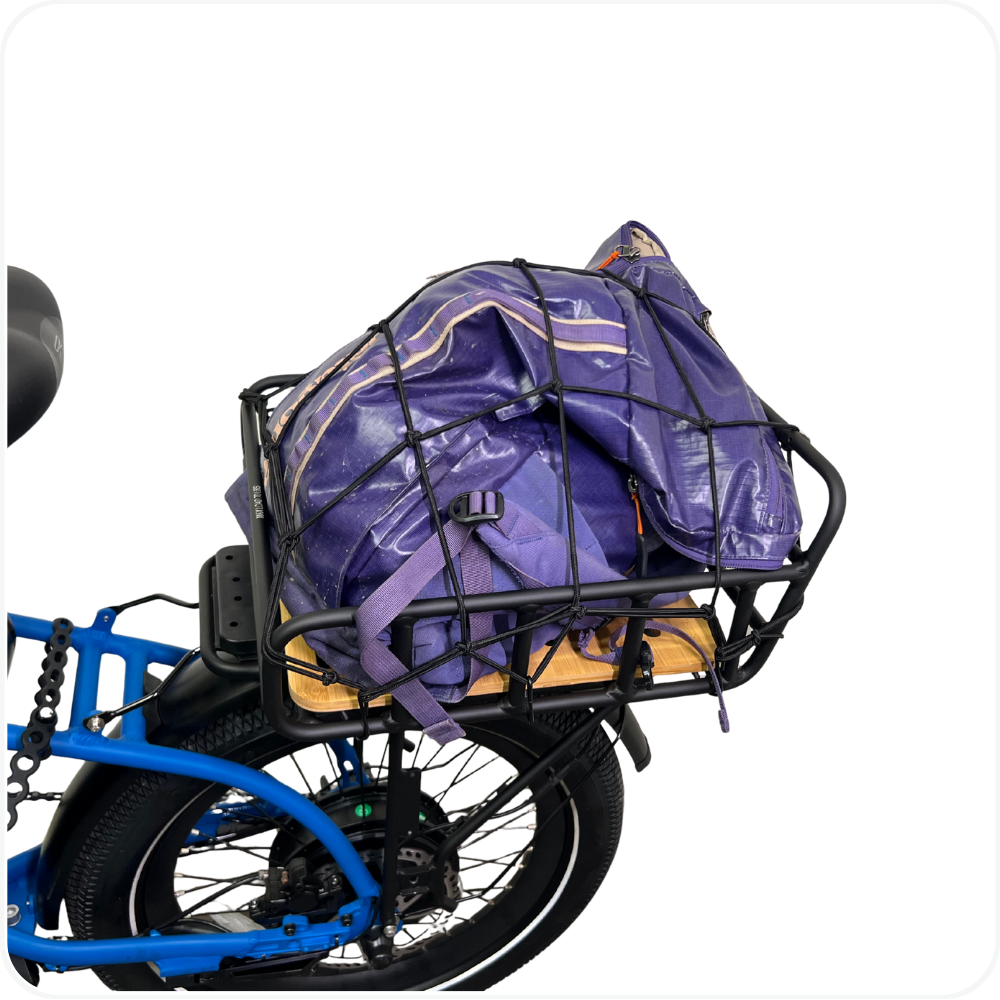
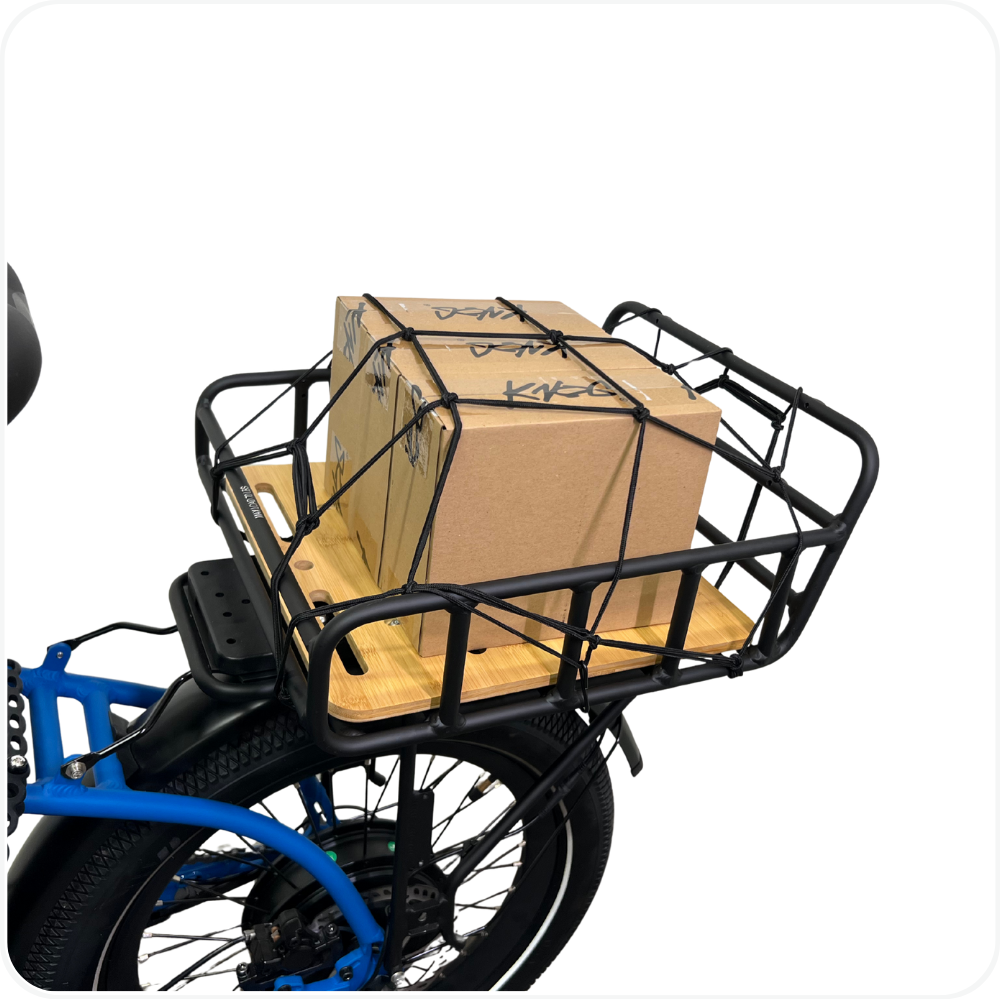
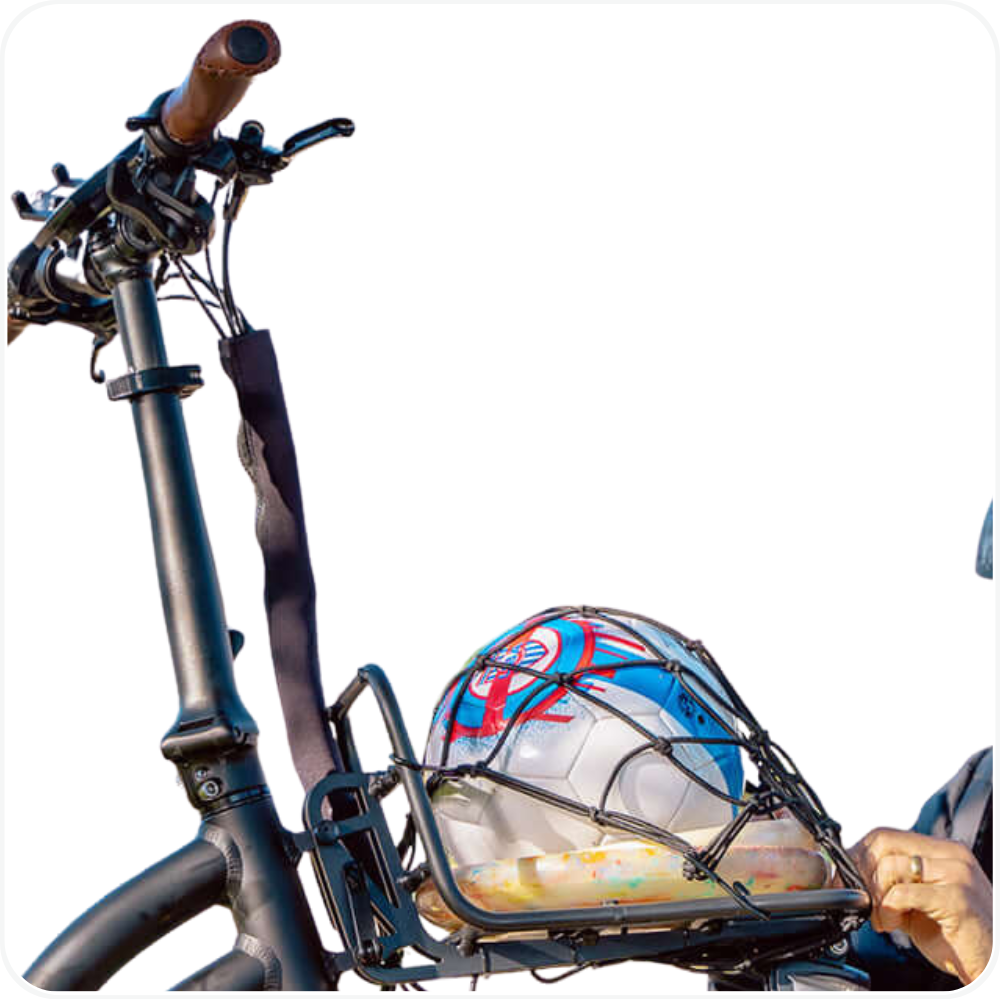
Note: Always check that the Cargo Net and hooks are fully secured and tight enough to prevent items from shifting or falling before riding.
Troubleshooting
- Cargo feels loose while riding → Reposition the Cargo Net and add additional hook points to increase tension and stability.
- Hooks come loose → Make sure hooks are attached to solid rack or basket frame points, not thin wires or plastic components.
FAQs
- Where can I use the MOD Cargo Net?
The Cargo Net can be used on rear baskets, front racks, and other compatible rack setups on MOD BIKES. - Can I use the Cargo Net with the Snap-On Rear Basket?
Yes. The MOD Cargo Net is designed to work with the MOD Snap-On Rear Basket to secure loose items. - Does the Cargo Net have a weight limit?
The MOD Cargo Net itself does not set a weight limit. Always follow the weight limits of the rack or basket you are using. - Can I ride without fully securing all hooks?
No. Always secure all hooks before riding to prevent items from shifting or falling.
Warning
⚠️ Important Safety & Liability Notice

Always secure all hooks of the Cargo Net before riding. Loose or improperly secured cargo may shift, fall, or interfere with bike handling, resulting in damage or injury.

Do not exceed the weight limits of your rack or basket. Always check that items are stable and evenly distributed before riding.

If you are unsure how to safely secure your cargo, contact MOD BIKES Support for assistance. MOD BIKES is not responsible for damage or injury caused by improper use or failure to follow these instructions.
Was this article helpful?
That’s Great!
Thank you for your feedback
Sorry! We couldn't be helpful
Thank you for your feedback
Feedback sent
We appreciate your effort and will try to fix the article